

Introduction
Warzone’s audio cues are one of the most powerful tools in your arsenal, giving you the ability to detect enemies before they spot you.
From footsteps to reloading sounds, understanding how to use audio effectively can drastically improve your gameplay. In this article, we’ll explore how to master Warzone’s audio mechanics, which settings to adjust, and how to make the most of sound to outsmart your enemies.
1. Why Audio Is Crucial in Warzone
In Warzone, being able to hear your surroundings clearly can make the difference between life and death. Sound cues, such as footsteps, gunfire, and vehicle noises, provide essential information that can help you locate enemies or avoid dangerous situations. These audio signals give you a tactical advantage, allowing you to plan your next move before being seen.

The game’s sound design is detailed and precise. For example, you can tell the difference between footsteps on different surfaces (like wood, metal, or grass), which helps you identify an enemy’s location or the direction they’re moving. Mastering these cues and adjusting your settings is key to improving your situational awareness.
2. Adjusting Your Audio Settings for Maximum Clarity
The first step in mastering Warzone’s audio is adjusting your sound settings for maximum clarity. Here are some key settings to tweak:
- Headphones Audio Setting: Always use headphones while playing, as they provide the best directional audio. In Warzone, audio comes from specific locations, and headphones allow you to pinpoint where the sound is coming from more accurately.

- Boost Low/Mid Frequencies: Some players prefer boosting lower and mid-frequency sounds to better hear footsteps and other subtle cues. This is particularly useful when trying to catch an opponent sneaking up on you.
- Volume Levels: Set your master volume high enough to clearly hear footsteps but low enough to avoid overwhelming game sounds. Adjust the “effects” and “dialogue” sliders to ensure you can hear both gunfire and in-game announcements without distortion.
By fine-tuning your settings, you’ll be able to hear footsteps more clearly, even at a distance, and track the location of enemies without relying solely on visual information.
3. Footsteps: How to Recognize the Type and Direction
Footsteps are one of the most vital audio cues in Warzone. Being able to recognize the type of surface your enemy is walking on can help you predict their position and movement. For example, footsteps on concrete or metal sound different from footsteps on grass or dirt. Here’s how to use this information:
- Concrete/Metal: These sounds are sharper and clearer, making it easier to pinpoint the direction of movement. They often indicate that an enemy is near a building or inside a structure.
- Grass/Dirt: Footsteps in these areas are softer, making it harder to detect enemies from a distance. However, they’re still useful for identifying the direction someone is coming from.
- Footstep Patterns: Learn to recognize patterns in the sound of footsteps. Players will often make deliberate movements — taking short steps or sprinting — which can give you clues about their approach. A player running through a building will make more distinct, rapid noises than someone slowly sneaking up on you.

By honing your ability to distinguish between these sounds, you can gain an edge over your opponents and set up ambushes or avoid getting caught off guard.
4. Listening for Other Audio Cues: Reloading, Vehicles, and Gunfire
Aside from footsteps, several other audio cues can help you track enemies or anticipate their next move. Paying attention to reloading, vehicle sounds, and gunfire can provide valuable information about where players are and what they’re doing.
- Reloading Sounds: If you hear the distinctive sound of someone reloading, you know they are either preparing for a fight or re-engaging. This sound is particularly useful in close-quarters situations when you’re trying to pin down an enemy’s location.
- Vehicle Sounds: Cars, ATVs, and helicopters all make unique noises. If you hear a vehicle approaching, you can quickly identify the type of vehicle and prepare accordingly. A helicopter indicates the enemy might be airborne, while a car or ATV suggests a ground-based threat.
- Gunfire: Listen for the type of weapon being fired. Whether it’s a close-range SMG or a long-range sniper rifle, you can infer the engagement distance and the type of fight happening. Gunfire from far away may indicate sniping or medium-range combat, while close-range gunfire suggests an immediate threat.
Mastering these audio cues will allow you to be proactive, giving you the ability to outmaneuver enemies and be prepared for combat situations before they unfold.
5. Counteracting Enemy Audio: How to Use Stealth
Just as you can use audio to your advantage, your enemies can use it against you. To remain undetected, you’ll need to counter their audio cues by using stealth techniques. These include crouch-walking, using Dead Silence, and positioning yourself in quieter areas of the map.
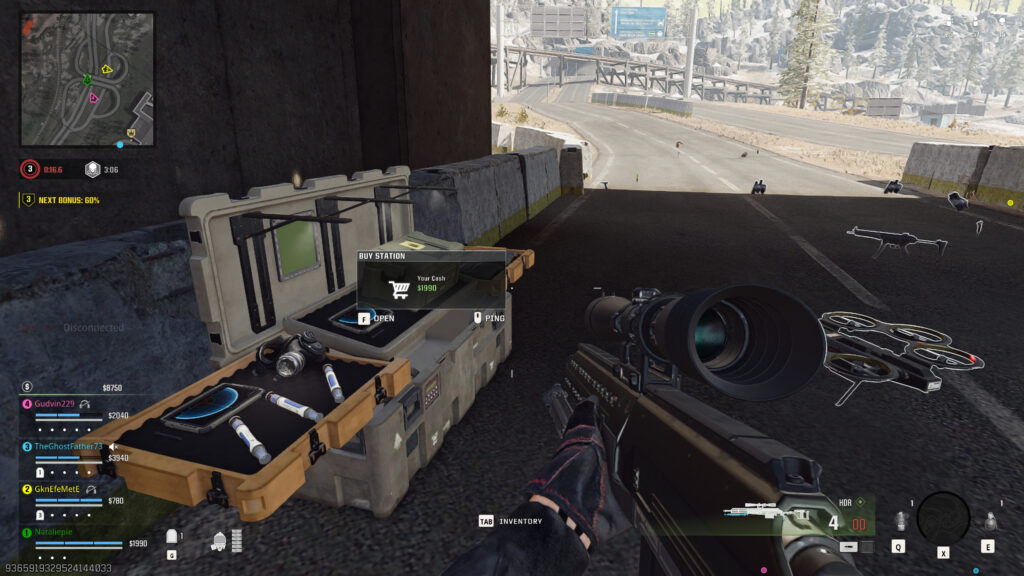
- Crouch Walking: This reduces the sound of your footsteps, making it harder for enemies to hear you. While you move slower, it’s an effective way to move silently when you’re in a tense situation.
- Dead Silence: The Dead Silence field upgrade makes you completely silent, rendering you undetectable to enemies relying on sound. Use it strategically when moving through high-traffic areas or when you need to make a quick escape.
- Cover and Concealment: Avoid open spaces, as they make it easier for enemies to hear you from a distance. Instead, use cover such as trees, buildings, or terrain to mask your movements.
By using stealth and limiting your noise, you can avoid giving away your position and gain the upper hand on enemies who rely heavily on sound to track you.
Conclusion
Audio in Warzone is a powerful tool that, when mastered, can significantly improve your situational awareness and overall performance.
By understanding how to use sound to track enemies, adjusting your settings for optimal clarity, and using stealth techniques to counter enemy audio, you can elevate your gameplay and gain the upper hand in every engagement.
Leave a Reply